Local Files
Files
Access, manage, and share saved files and documents stored on your xPrep device.
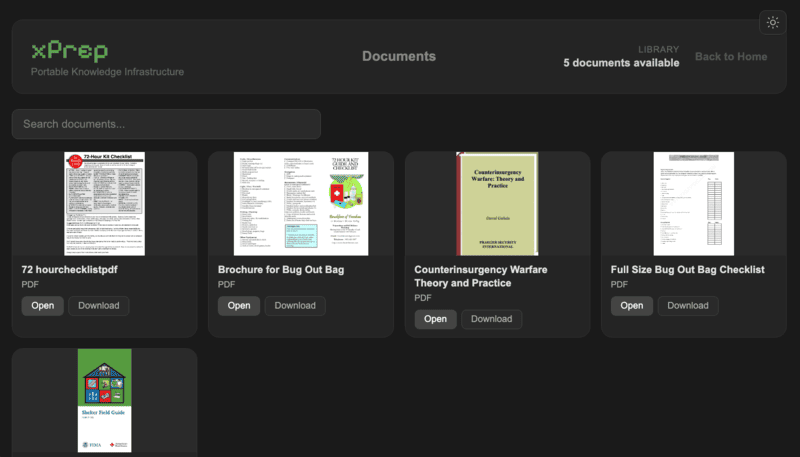
A pocket-sized Raspberry Pi device that creates its own WiFi network and serves maps, books, guides, and tools to anyone nearby. No internet, no cloud, no subscriptions. Ever.
xPrep didn't appear out of thin air. We drew massive inspiration from Internet in a Box, a project that proved offline knowledge infrastructure was not just possible, but essential for communities worldwide.
When Project Nomad launched, it gave us the final push we needed. Watching that community rally around offline-first computing motivated us to build our own version, purpose-built for the Raspberry Pi, small enough to pack, and simple enough for anyone.
There have been many others over the years who have contributed to this space in their own ways, and we are grateful for every one of them. xPrep is our contribution to this movement, built with deep appreciation for all who came before us.
The original inspiration. Proved that offline knowledge could reach anyone, anywhere, even without electricity or internet.
Showed us what a modern, community-driven offline server could look like. Motivated us to build something of our own.
Our take: Raspberry Pi-native, portable, and built for everyone from preppers to expats to travelers.
xPrep is software that turns a Raspberry Pi into a self-contained WiFi hotspot. Power it on, connect any phone, tablet, or laptop to the xPrep network, open a browser. Everything is there.
No internet required. No cloud subscriptions. No monthly fees. The knowledge lives on the device, completely under your control.
Take it camping. Bring it to a remote job site. Pack it for international travel. Share it with your community during an emergency. xPrep works wherever you are.

Plug in your xPrep device. It boots automatically and broadcasts its own WiFi network named xPrep.
Join the xPrep network from any phone, tablet, or laptop. No app installs, no account setup required.
Navigate to 55.55.55.55 and the captive portal brings you straight to the xPrep dashboard.
Everything accessible from a single dashboard the moment you connect. No app installs, no accounts, no internet.
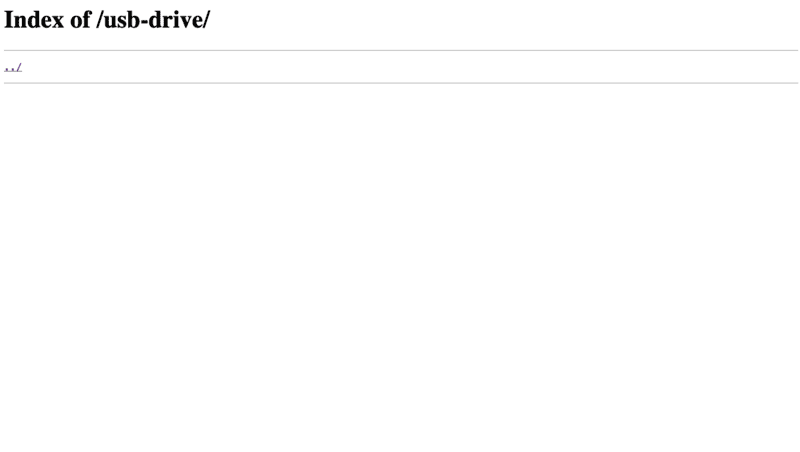
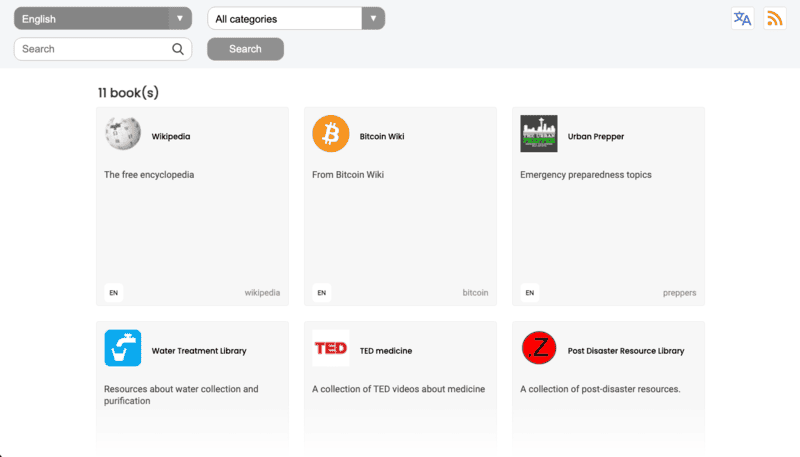
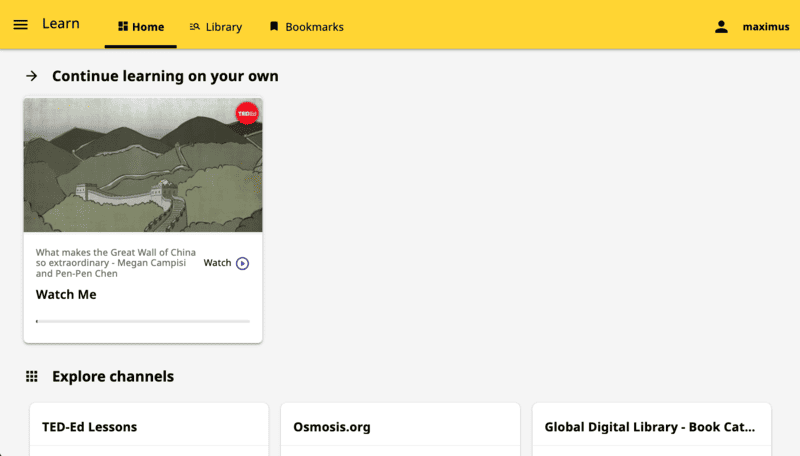

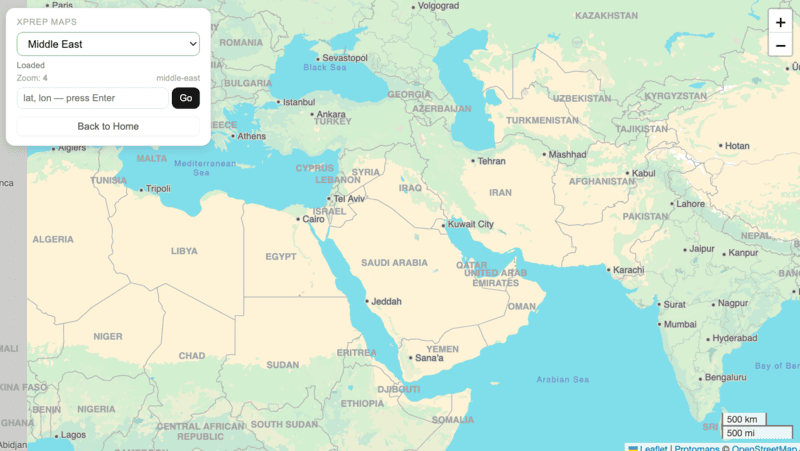
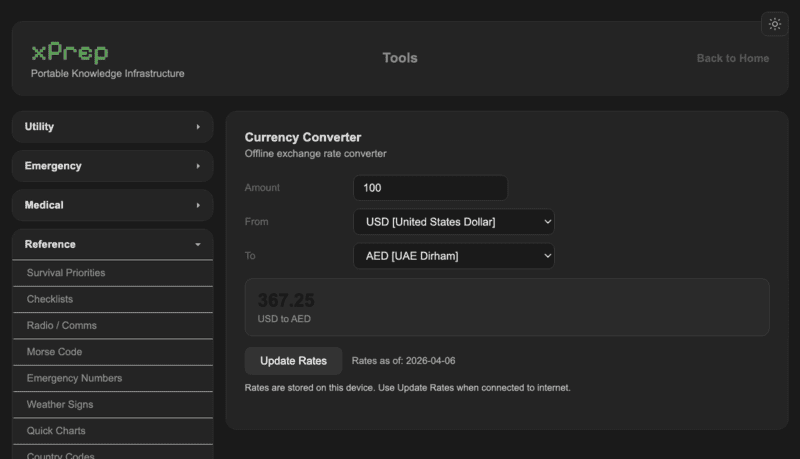
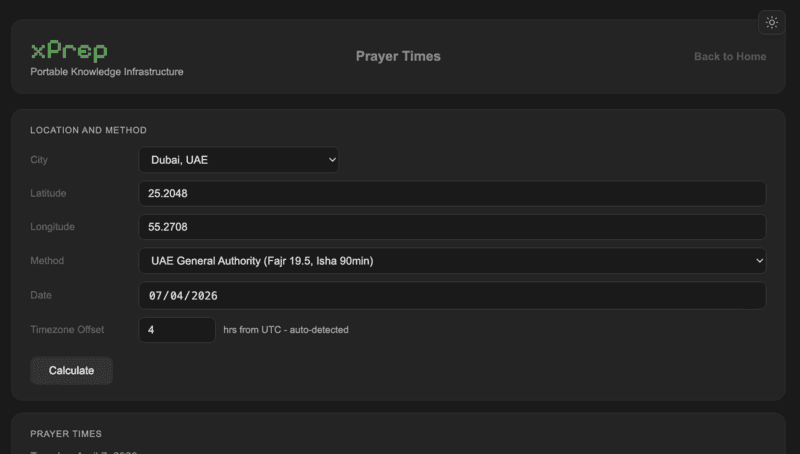
When infrastructure fails, xPrep keeps working. Medical references, survival guides, and offline maps all accessible when the grid goes down.
Living abroad means unreliable connectivity and expensive data. Plug in xPrep and your whole household has what it needs, anywhere.
Pack xPrep and turn any hotel room, campsite, or boat into a connected base camp with maps, books, and guides ready to go.
Living off-grid or in a rural area with no reliable internet? xPrep gives the whole family access to education, books, and entertainment.
Engineers, surveyors, aid workers, and field teams in remote areas need reliable reference tools. xPrep works where there is no signal.
Bring Kolibri, Wikipedia, and digital libraries to classrooms with no internet connection. One device serves an entire room of students.
Disaster zones and crisis situations often lose connectivity first. xPrep keeps medical guides, maps, and communication tools accessible when it matters most.
Field researchers in remote locations can carry an entire reference library, offline Wikipedia, and downloaded datasets wherever the work takes them.
Villages, mosques, churches, and community centres can share one xPrep device over WiFi, giving everyone access to knowledge and local content.
Every xPrep device that phones home appears on this map, updated live from our device registry.
Device locations are approximate (city-level). MAC addresses are never displayed publicly.
Each dot below marks when a device was registered. Hover to see details.
We're proud to be part of this ecosystem. Here's an honest look at where xPrep fits.
| Feature | Internet in a Box | Project Nomad | xPrep |
|---|---|---|---|
| Runs on Raspberry Pi | ✓ | ✗ Requires full PC | ✓ Pi 4 & Pi 5 |
| WiFi Hotspot / Captive Portal | ✓ | ✗ | ✓ Built-in |
| Offline Maps | ✓ via IIAB | ✓ OpenStreetMap | ✓ PMTiles / OSM |
| Offline Library / Wikipedia | ✓ Kiwix | ✓ Kiwix | ✓ Kiwix |
| Education Platform | ✓ Kolibri | ✓ Kolibri | ✓ Kolibri |
| eBook Reader | ✗ | ✗ | ✓ Calibre |
| Prayer Times & Qibla | ✗ | ✗ | ✓ Built-in |
| Video Player | ✗ | ✗ | ✓ Built-in |
| USB External Storage | ✗ | ✗ | ✓ Built-in |
| Games | ✗ | ✗ | ✓ Built-in |
| AI / LLM | ✗ | ✓ GPU-accelerated | Roadmap |
| Kids Books Library | ✗ | ✗ | ✓ Bloom Library |
| Ready-to-use device available | ✗ DIY only | ✗ DIY only | ✓ Ships pre-loaded |
| Free / Open Source | ✓ Free | ✓ Apache 2.0 | ✓ Free software |
The software is always free. Or skip the setup and get a device ready to go.
Pre-loaded xPrep on your choice of Raspberry Pi. Plug in and it works. No setup, no Linux knowledge required.
Have a Raspberry Pi? Install xPrep on it for free. Full source code on GitHub, community support included.
Whether you are exploring xPrep for the first time or ready to set it up, these videos have you covered.